
You Don’t Have an Information Problem. You Have an Organization Problem
Most leaders don’t lack information. They lack a system for turning information into action fast enough to matter. I see this gap in some of the Community Health Centers and nonprofits I work with — not a shortage of data, but a shortage of structure.
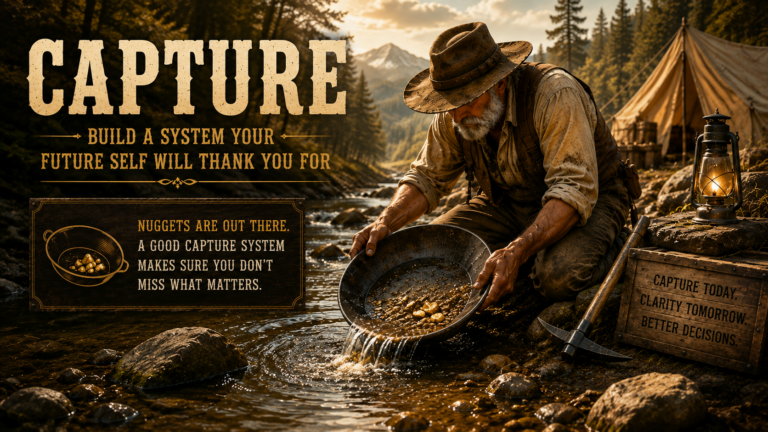
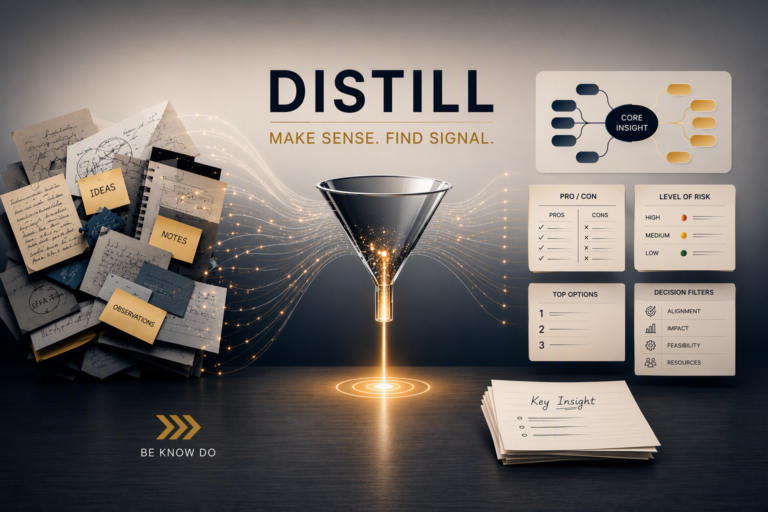
If you’re building a personal knowledge system using the CODEA² framework — Capture, Organize, Distill, Express, After Action Review, Archive — the second step is where most leaders quietly lose the thread. They capture everything. Then they file it by topic, the way a library does, and wonder why none of it shows up when they need it. CODEA² is six steps, not the four that most knowledge-management advice stops at. Organize is step two — it’s what determines whether everything you captured in step one is actually findable when you need it, instead of just filed away and forgotten.
Organize by actionability, not by subject.
The Filing Cabinet Is Lying to You
Topic-based filing feels responsible. It isn’t useful. A grant deadline, a board retreat agenda, and a staff retention article can all live under “HR” — but only one of them needs your attention this week. The question isn’t what is this about. The question is what is this for, right now.
That’s the shift Organize demands: sort by where information serves your current work, not by what category a librarian would assign it. Let’s explore some examples of organization of information.
A Simple Structure That Holds Under Pressure
In his Building a Second Brain book, Tiago Forte promotes the PARA method as the large buckets to categorize — Projects, Areas, Resources, Archives. Broadly these are defined as:
- Projects — Active, deadline-driven efforts. Your next board packet. This quarter’s grant application. A specific hire.
- Areas — Ongoing responsibilities with no finish line. Financial oversight. Community partnerships. Staff development.
- Resources — Reference material you’re not using yet, but might. Industry data, articles, frameworks worth revisiting.
- Archives — Anything from the first three categories that’s no longer active. Not deleted. Just out of your line of sight.
Or…
At the last place I worked at my go-to organizational framework for information management was mirroring our primary workflows. I found that a system centered around department or C Suite leader type (CMO, CFO, etc.) created a mental silo. I drew it out like an org chart to visualize the workflows as a group, not just a complex set of tasks. These workflows came from a brainstorm of exactly what is involved in delivering healthcare. For a Community Health Center/FQHC it goes way beyond delivery of care services. You have to answer the “why” of your mission, which I determined to be: Help people become the version of themselves they’ve always wanted to be but didn’t have the chance or the resources to. Each major contributor to mission success falls under a folder with a verb in its name.

You Do You
Don’t get me wrong, use what makes sense for you. I recommend it following what your brain says is an organizing principle. You want to toss in colors, fine. You like emojis for a visual cue, great (so do I). My words of advice are to keep it simple and logical enough that someone can see your folders and understand where things probably are filed if they were kind of “normal”.
Why This Matters More in Rural and Frontier Health Work
You don’t have a research department. You don’t have three analysts presorting information before it reaches your desk. You are the system. When information isn’t organized by actionability, the cost isn’t inconvenience — it’s a missed HRSA deadline, a board question you can’t answer cleanly, or a strategic plan built on outdated assumptions. Good organization isn’t administrative overhead. Its readiness — the difference between scrambling and simply pulling up what you already have.
Three Moves to Start This Week
- Audit one folder. Pick your messiest catch-all. Sort its contents into Projects, Areas, Resources, or Archives, or the system you’ve adopted.
- Kill the “Miscellaneous” folder. Everything in it is either active (Project/Area/Your system) or it isn’t (Resource/Archive/Your system). There’s no third option.
- Review Projects weekly, Areas monthly. Active work needs a short feedback loop but ongoing usability needs a longer one. Treating them the same is how urgent things get missed and important things get forgotten.
The Bottom Line
Capture without organization is just clutter with a timestamp. The leaders who move fastest aren’t the ones who know the most — they’re the ones who can find what they know the moment they need it.
Next in the series: Distill — turning what you’ve organized into something you can actually use in under ten seconds.
Be Know Do helps mission-driven leaders in rural and frontier health build the systems — not just the strategies — that hold up under pressure. Drawing on lessons from a career in military leadership, I partner with organizations and leaders to address challenges and help kickstart and sustain organizational change that has a positive impact on their communities. Learn more at beknowdo.org.