You Can’t Connect Dots You Never Captured
I think we all would agree that information management is a fundamental skill for every leader. But surprisingly, many leaders have never given thought to how they’d take in information, leverage it for use later, and have all the steps in between work towards ideas usable over and over again. Some methods are intentional. Others evolve through habit. Sticky notes, notebooks, emails sent to yourself, highlighted books, meeting agendas, screenshots, voice memos, and half-forgotten ideas all become part of the system, whether you designed it or not.
The problem is that most of these systems don’t adapt and scale as your responsibilities increase while also getting more complex. Which takes me back to the central idea of this article. At some point in your leadership journey, you should take the time to write out the types of information and data that are central to your work. The need to think about how you think (aka metacognition) isn’t exclusive to white collar jobs either. In construction you will want to capture and store the dimensions of lumber, size of rooms, costs of supplies and equipment rentals, and so on. You might need just this level of information as an individual framer on a worksite, but if you are the shift lead or supervisor there is an added layer of complexity.
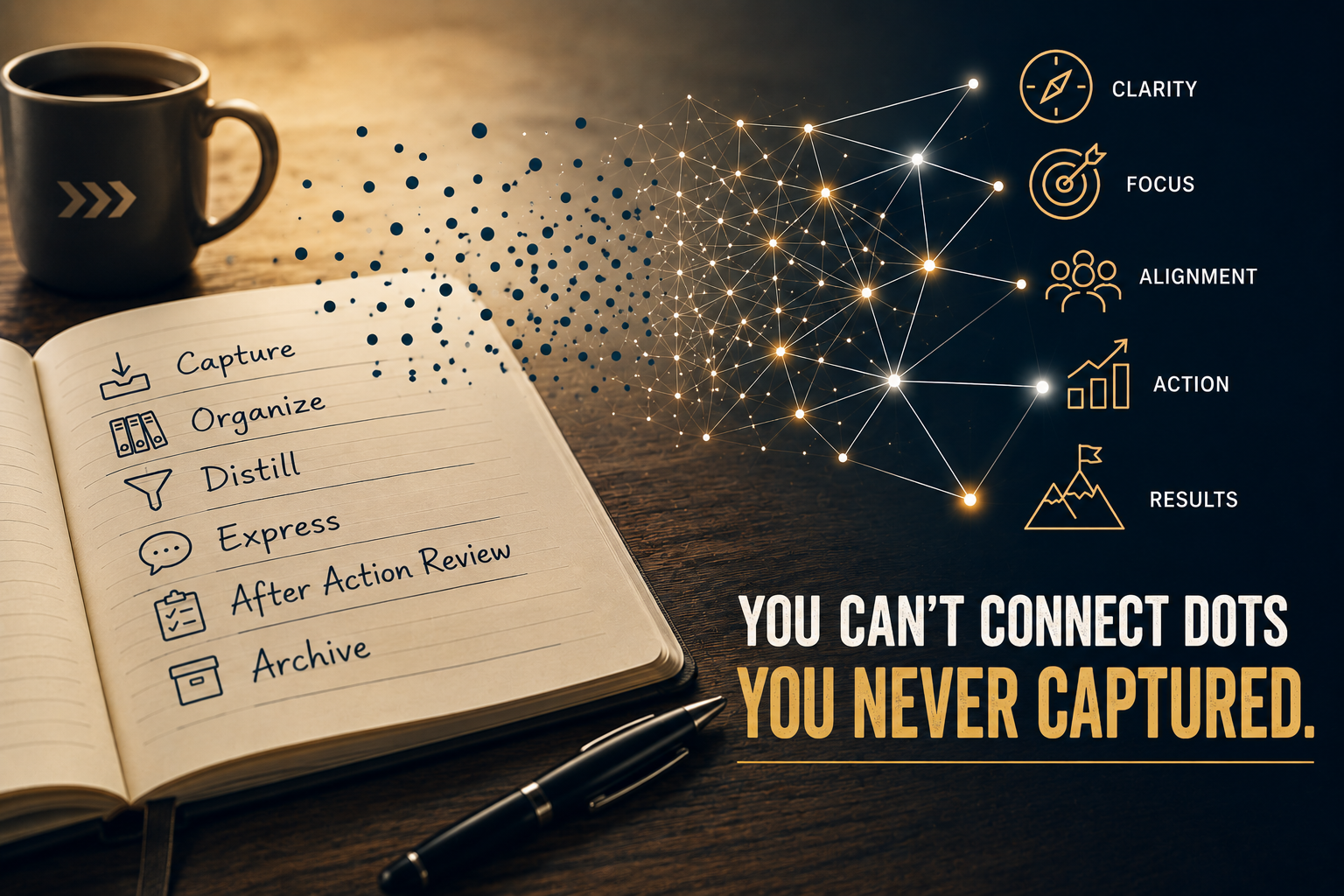
As work becomes more complex for you, and you rise up in the leadership ranks, you would benefit greatly from a cohesive system to manage the information you need to do your job expertly. I’ve taken the essential aspects of information management and put it into a framework, one that I use myself. An information management workflow boils down to these six primary tasks.
- Capture what matters.
- Organize it so you can find it.
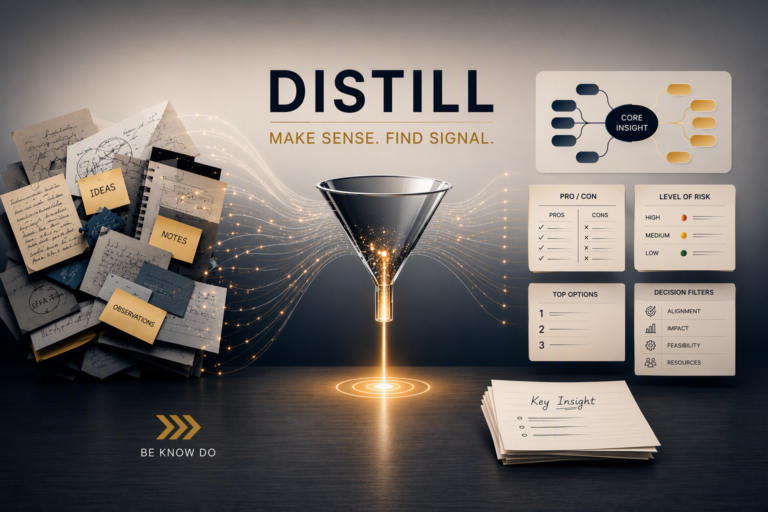
- Distill it into understanding.
- Express it through decisions, conversations, teaching, or writing.
- Conduct an After Action Review to identify lessons learned.
- Archive what remains valuable for future use.
Note: CODEA² is my take on Tiago Forte’s Second Brain work. The “CODE” part of his acronym is unchanged, but CODE doesn’t include intentional process improvement like an AAR does in my framework. Archiving information for use later is different than initial capture in many important ways so I felt I needed to add it as a step.
Be wary of landing on a one-method/tool-fits-all approach for any of the steps in the process. People try to make email do things it was never designed to because it’s everywhere, and relatively easy to use once it’s set up. It’s not very flexible for storing files though, and emailing yourself important information may hit a limitation like inaccessibility when offline. As you start working on developing your personalized CODEA² system you should definitely talk to someone who knows your company’s information tools better than you, which is often an IT department. (But sometimes it’s just one poor soul who quoted Star Trek one too many times, then helped someone by suggesting a computer restart which resolved their issue 😂).
I’ll end with some general tips to consider if you are needing to adopt CODEA² or reassess your current workflow. Some considerations:
- Will others need access to the information? A primary design consideration, a post of its own, is if that information will need to be accessed by others. So, this means you need to be mindful of the tools you use at least in the Organize and Archive steps but also consider how Capture might interact with that part of the framework especially.
- Bake in putting a load test on your system. Each step of CODEA² has elements that impact some of the other steps, and some you won’t know until you put a load on the workflow.
- Not every step will need a ton of analysis and testing. You may be in an organization where you are required to use certain tools. Use them as best you can and don’t create a separate system unless the tools are so clunky to you that it makes you less productive by a lot.
- Use what you already have, for now. If you have a specific tool you use already for different steps of the workflow stick with those to start. For initial steps I suggest you draw out the process a bit. Place under each step the current tool or procedure you use or are thinking of using. Then start testing it out as an integrated system, not just each step on its own.
- Don’t create complexity where it isn’t needed. Maybe look into pen and paper as your primary method for Capture. Then think through how that approach would play out down the line. Digitization for recall later may a small consideration for your work. Or, you may have an assistant who takes your notes and types them up in Word. If that works for you, great. The tool matters less than if it achieves what you need it to.
In the articles that follow, we’ll explore each stage of CODEA² in greater detail, starting with Capture (obviously!). I will share a tiny bit about my own CODEA² setup with the actual tools I use along the way…but only as examples. Trust me, determining your tool stack is essential to it working for you, and kind of fun too.