Stop Looking for the Perfect App: The Real Rules of Information Capture
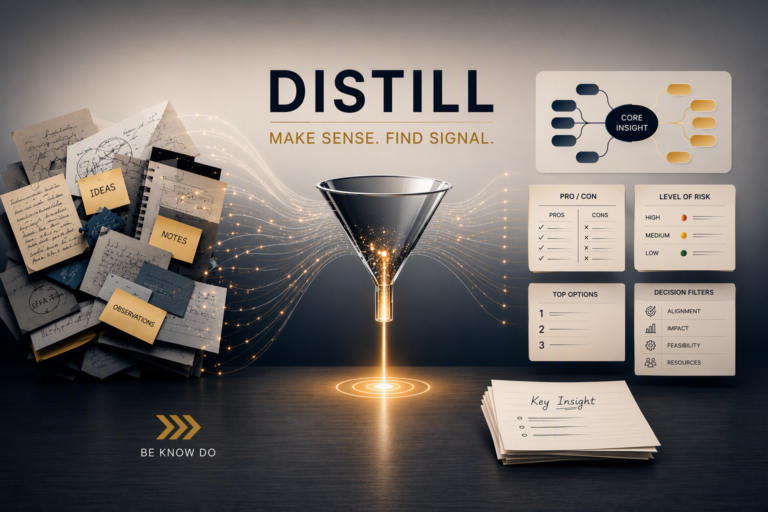
We love to jump ahead to technology. When discussing the CODEA² Framework in my previous post, it was easy to instantly think about software platforms. But tools are completely useless without the right behaviors behind them. Capture is a behavior; tools simply reduce friction. Whether you are using a smartphone on the move, a dedicated voice recorder in a debrief, or a tactile e-ink tablet for deep reflection, the goal remains identical: a single, trusted inbox where nothing gets lost. Before you download another productivity app, let’s unpack what you actually need to capture—and how to do it effortlessly.
But before we look at the toolkit, we have to establish the operational constraints. To make any tool work, you need a few nonnegotiable ground rules:
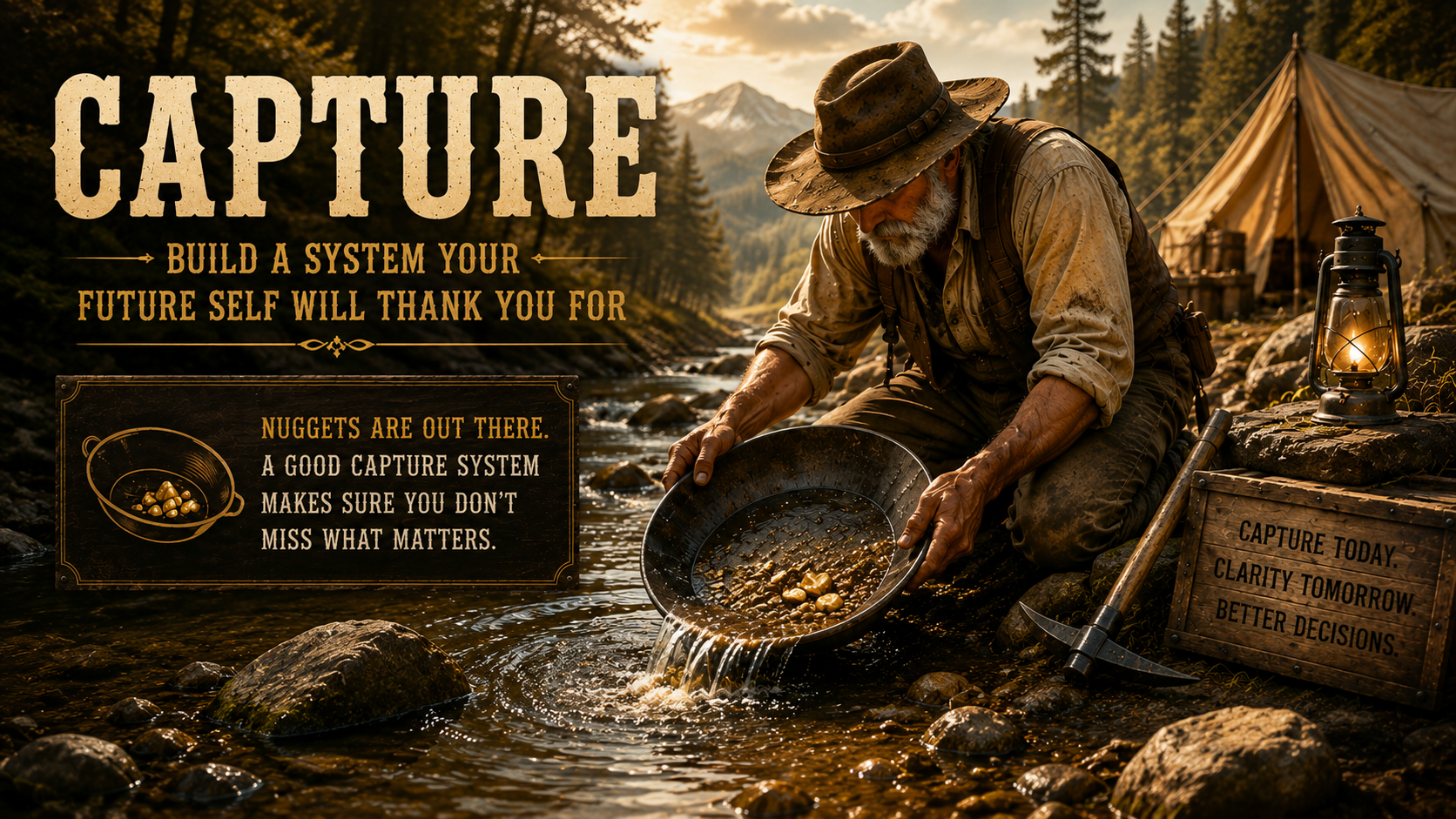
- The Golden Rule: Capture on the fly and process later; never trust your memory.
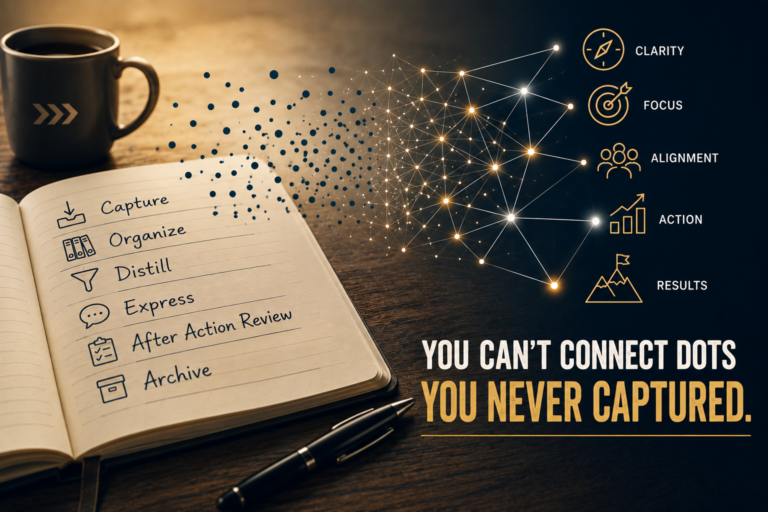
- The Objective: Preserve potential. You cannot “connect dots” (make sense of information) that you never captured in the first place.
- The “One Inbox” Principle: Aim to capture into one trusted place so that nothing gets lost. Note: This may require a few extra steps or workarounds, but don’t confuse this with the Organize step. It simply streamlines where you look for raw data.
Our first task in building our Capture system is to identify the sources of information. You don’t have to have an exhaustive sources list, but I do suggest you include the likely environment that information would be coming from too. Let’s take a look at types of information, where it might come from, and some examples of what you might want to capture.
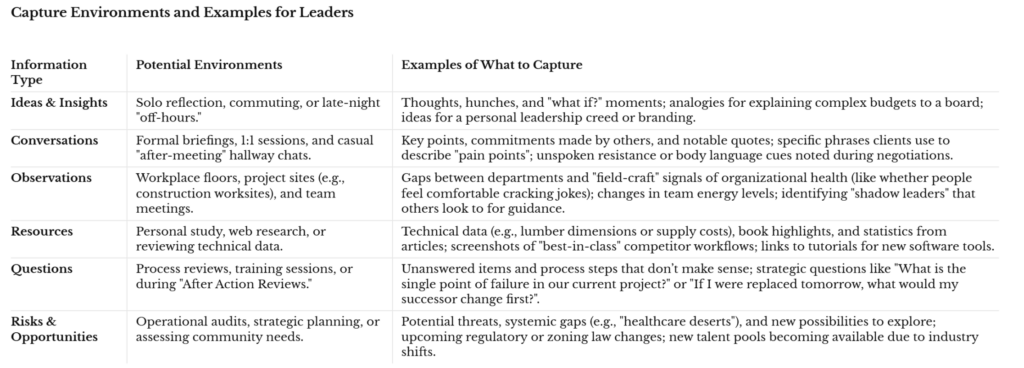
An element to bake into your system is the need to reduce friction of capture as best you can. This can be difficult depending on the environment you are in, time of day, and tools you have readily available. For example, for a 3 AM “aha!” moment, I rely on an offline-capable to-do app on my phone. In other scenarios, I lean on a digital voice recorder or an e-ink tablet. For solo-reflection, handwritten notes to send snail-mail to others, and concept mapping I find the e-ink tablet with a soft nib stylus to fit me best. There is a small amount of friction to export my notes, but the fact the device is tactile and works offline are key considerations for me.
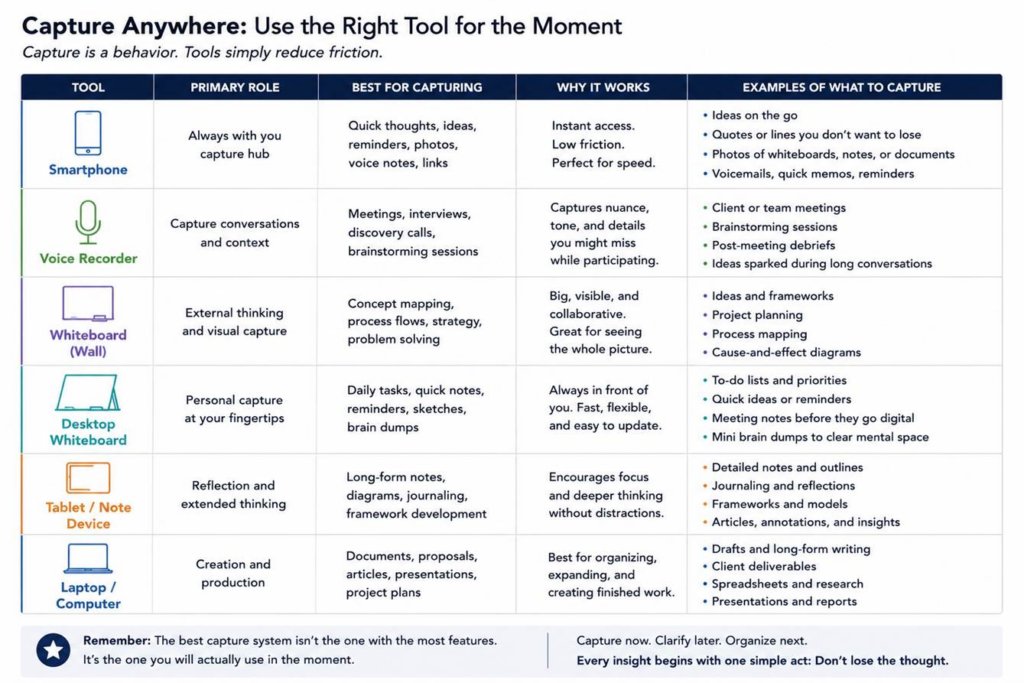
Again, at this point your primary consideration should be ease of capture. Even pen and paper can work, taking a picture of your document to have a digital copy. Research suggests that the simple act of writing information down produces a small-to-moderate improvement in recall later, somewhere between 10–30%.
The final consideration is where you are funneling or dumping the captured information. Note that we still aren’t talking directly about organizing the information just yet—think of this as the staging area. However, choosing the right funnel now will save you massive headaches later. While I won’t dive too deeply into the weeds here, my best advice is this: batch-processing saves time. For me, web links and file downloads all drop into a single bucket first, allowing me to sort them efficiently when I have the dedicated focus to do so.